
The Google Ads default silently draining local budgets
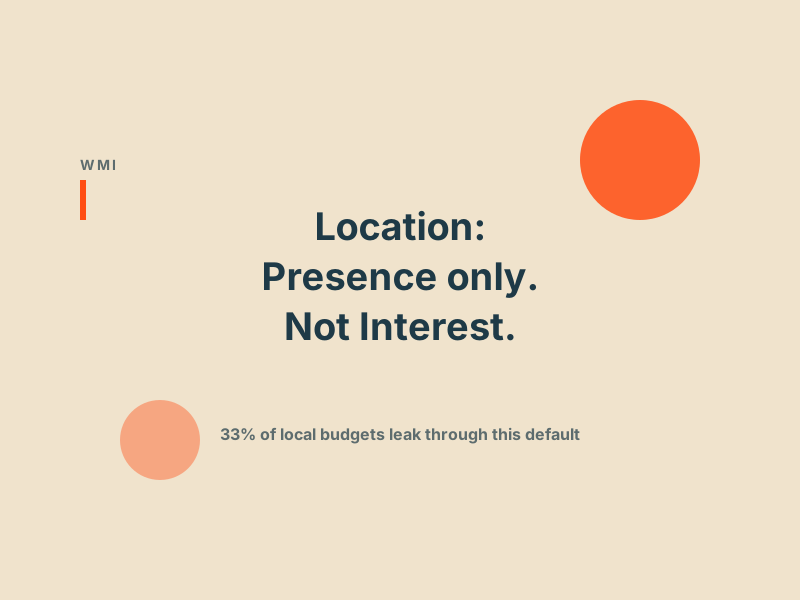
When you create a new campaign, Google sets location targeting to 'Presence or interest' and labels it recommended. That framing is doing a lot of work. Your ad for a Manchester dental practice shows to someone in London who recently searched 'dentists in Manchester' while researching a trip. They are never walking in. You paid for the click. A practitioner shared live account data showing 33.81% of spend going to interest-based impressions. Three-click fix.
There is a Google Ads default that is silently draining local budgets.
When you create a new campaign, Google sets location targeting to "Presence or interest" and labels it "recommended." That framing is doing a lot of work.
Here is what it actually means. Your ad for a Manchester dental practice shows to someone in London who recently searched "dentists in Manchester" while researching a trip. They are never walking in. You paid for the click.
A practitioner shared live account data this week showing 33.81 percent of spend going to interest-based impressions. Not an edge case. That is typical across local accounts.
For most local and regional advertisers, interest traffic is pure waste. The correct setting is "Presence only": people physically in your target area, not people who have expressed passing curiosity about it.
Why Google calls the wrong setting "recommended"
Google calls the broader option recommended because it maximises impression volume. That benefits Google's metrics. It does not benefit your cost per lead.
The pattern is consistent across the platform. Most "recommended" defaults err on the side of more spend, more impressions, more breadth. That is not a conspiracy. It is the structural incentive of an ad platform whose revenue is proportional to advertiser spend. When a default could plausibly help volume or could plausibly waste budget, the volume direction is the one labelled recommended.
This applies beyond location settings. Search partners on by default, Display Network expansion on by default, broad match as the default match type in new campaigns, automated bidding suggested before you have enough conversion data to support it. The same incentive operates in each case.
The fix takes three clicks
In every campaign:
1. Open Settings, then Locations 2. Change "Target" from "Presence or interest" to "Presence" (people physically in your target locations) 3. Save
If you want to verify which campaigns are leaking right now before you change anything, pull a User location report (different from Locations report) and filter by Location Type "Interest". The spend column tells you exactly how much budget is going to people physically outside your service area. If that number is more than 5 to 10 percent of campaign spend on a local account, the default is costing you.
High-leverage audit, zero cost, fifteen minutes.
Where Presence-only does not fit
A small set of accounts genuinely benefit from "Presence or interest":
- Brands selling nationally where geographic targeting is just for reporting, not exclusion
- Travel and hospitality businesses where the user planning a trip to your area is your actual buyer
- Ecommerce shipping nationally where the user's intent is more important than their location
- B2B services with a remote-delivery model where the buyer's office location is not relevant
For everyone else (local services, local trade, brick-and-mortar retail, geographically constrained B2B), the answer is Presence only and it has been the answer since Google introduced the distinction.
What to actually do
- Audit your Locations settings across every active campaign this week. Count how many are still on "Presence or interest".
- Pull a User location report for the last 90 days, filtered by Location Type "Interest". Sum the spend. The number is your annualised leak rate times four.
- Change new and existing campaigns to "Presence" unless the campaign genuinely needs broader targeting (see the list above).
- Add a monthly review of new campaigns to your QA checklist. Defaults sneak back in whenever someone creates a campaign from scratch.
- If your account is managed by an agency or freelancer, ask them whether they audit location-type spend monthly. The answer tells you something useful about the depth of management you are paying for.
Have you checked your interest-based spend recently?
If you want a free review of where the "recommended" defaults are quietly costing your account, book a free audit and we will list every default-set leak we find in the first 30 minutes.
Get a free PPC audit from the team that wrote this.
We'll review your Google Ads or Microsoft Ads account and show you three specific things we'd change in the first 30 days.