
Google Ads Optimization Score: what the number actually measures
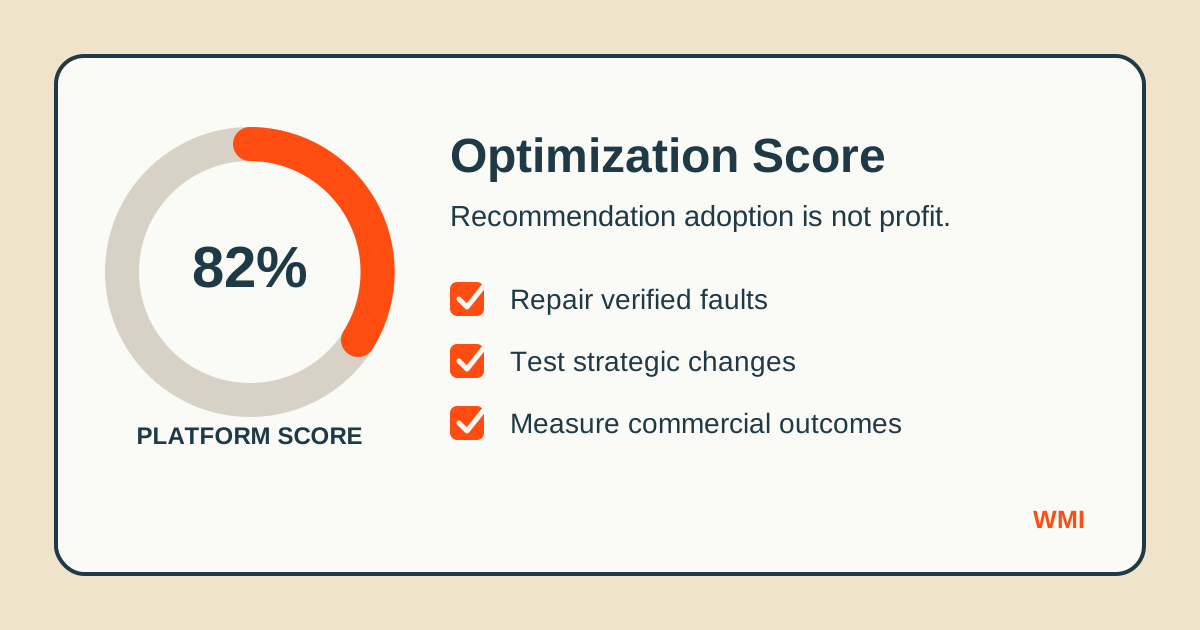
Optimization Score is useful for finding account issues, but it is not a performance grade. Learn which recommendations deserve action, which require evidence, and which mainly benefit Google.
Google Ads Optimization Score looks like an account health grade. It is not.
The percentage measures how closely an account follows Google's current recommendations. Some recommendations identify genuine problems. Others encourage broader targeting, more automation, or higher spending. Accepting them can raise the score without improving revenue, lead quality, or profit.
That distinction matters because a prominent percentage creates pressure to act. A score of 72% feels unfinished. A score of 100% feels safe. Neither feeling tells you whether the campaigns are commercially successful.
What Optimization Score measures
Google evaluates the account against a changing set of recommendations. These can include:
- Repairing disapproved ads or broken conversion tracking
- Adding assets to improve ad coverage
- Changing keyword match types
- Adopting automated bidding
- Increasing campaign budgets
- Launching additional campaign types
- Applying recommendations automatically
Each recommendation carries a percentage uplift. Apply or dismiss it and the visible score changes.
The calculation therefore measures recommendation adoption, not business performance. It does not directly grade contribution margin, qualified leads, customer lifetime value, refund rates, or cash collected.
Recommendations worth reviewing immediately
Some alerts expose operational faults that can suppress otherwise healthy campaigns. These deserve prompt investigation:
- Disapproved ads, assets, products, or destinations
- Conversion tags that have stopped recording
- Billing or policy issues that prevent delivery
- Campaigns limited by accidental settings or conflicting exclusions
- Missing essential assets that reduce eligibility
Even here, review the evidence before applying the proposed fix. A broken conversion action must be repaired. That does not mean it should automatically become a primary bidding goal.
Our guide to Smart Bidding conversion action hygiene explains why the definition of the conversion matters as much as whether the tag fires.
Recommendations that need commercial evidence
Budget increases, broad match expansion, automated bidding changes, and new campaign launches may be sensible. They may also increase Google's revenue while weakening yours.
Before applying one, write down the expected business result and the constraint:
- What additional conversion volume should this produce?
- What is the maximum acceptable cost per qualified lead or sale?
- Which existing traffic could the change cannibalise?
- How long will the test run?
- What result would cause you to reverse it?
If those questions cannot be answered, the recommendation is not an optimisation plan. It is an interface prompt.
Why a higher score can accompany worse performance
Imagine a profitable Search campaign using tightly controlled keywords. Google recommends broad match, a higher budget, and a looser automated bidding target. Applying all three raises Optimization Score immediately.
The account can then buy more low-intent traffic, spend more in marginal auctions, and report more conversions at a worse commercial return. The score rises because the recommendations were adopted. Profit falls because the recommendations were wrong for the account's economics.
This is why ROAS is not a strategy, and Optimization Score is not one either. Both are inputs to a decision, not substitutes for commercial judgement.
Apply, test, or dismiss
Use three categories when reviewing the recommendations tab.
Apply
Apply changes that repair a verified fault and do not alter strategy, such as correcting a broken destination or restoring a missing tracking signal.
Test
Test changes that could improve performance but alter bidding, targeting, creative, budget, or campaign structure. Use a controlled experiment where possible, and judge the result against profit or qualified revenue rather than the Optimization Score uplift.
Dismiss
Dismiss recommendations that conflict with the account's constraints, duplicate existing coverage, or cannot be connected to a measurable commercial outcome. Dismissing a recommendation is account management, not negligence.
A practical monthly review
Once a month:
- Export or record the current recommendations before changing anything
- Separate faults from strategic suggestions
- Check each suggestion against actual campaign objectives
- Assign a commercial success metric to every test
- Review search terms, lead quality, revenue, and margin after the test
- Record why recommendations were applied, tested, or dismissed
This produces an audit trail. It also prevents the same dismissed suggestion from returning later and being accepted without context by another user.
The number that should lead the review
For ecommerce, start with contribution margin after advertising costs. For lead generation, start with cost per qualified opportunity and eventual customer acquisition cost. Those figures may be harder to obtain than a platform score, but they describe the business.
A 100% Optimization Score can belong to an unprofitable account. A 65% score can belong to a disciplined, profitable one. The percentage only becomes useful when every recommendation is treated as a hypothesis and checked against commercial evidence.
If you want an independent review of your recommendations, bidding signals, and account structure, book a free Google Ads audit.
Get a free PPC audit from the team that wrote this.
We'll review your Google Ads or Microsoft Ads account and show you three specific things we'd change in the first 30 days.